
Client Project — Multi-role Web Application + Internal System + PWA
Азбукарче Electronic Diary
Role-based application → public library → mobile/PWA experience.
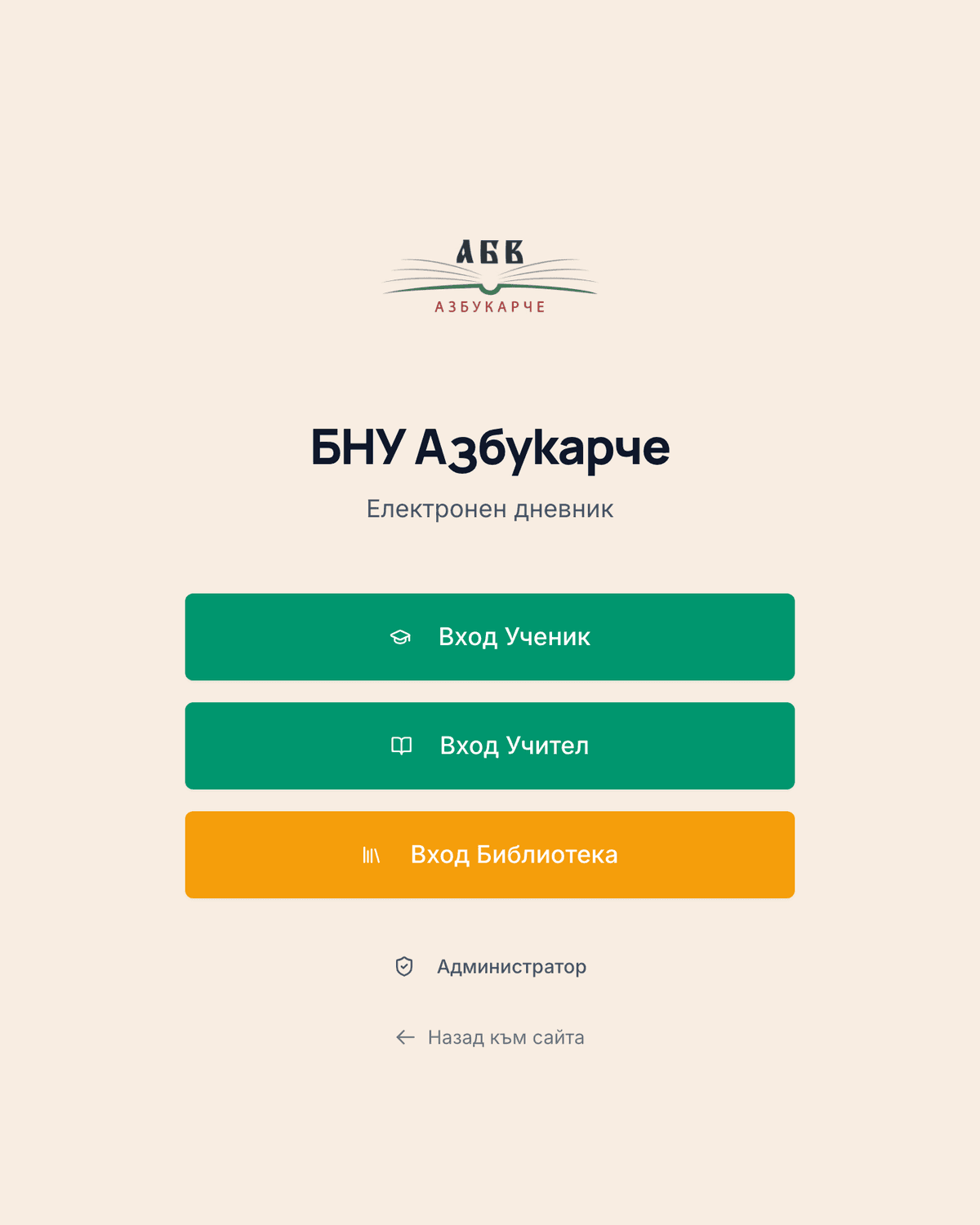
БНУ Азбукарче is a Bulgarian supplementary school in Glasgow, recognised by Bulgaria’s Ministry of Education, teaching pre-school through grade 12. The Electronic Diary is a real, in-use application built for the school — with distinct entry points for students, teachers, library staff and administrators, and a public digital library.
The challenge
A community school needed a real, installable system — not a generic form tool — with different access for different people: students, teachers, the school librarian, and administrators.
What we built
A role-based application
The Electronic Diary supports four distinct entry points — Student, Teacher, Library and Administrator — each its own login route into the same application.
A public digital library
A searchable catalogue of 47 children’s books, filterable by category and age group, open to anyone without logging in.
Key user journeys
Library catalogue (public)
Open the library → search by title/author or filter by category and age → browse book details
Key capabilities
- Four distinct login roles: Student, Teacher, Library, Administrator
- Installable Progressive Web App, with a real “Add to Home Screen” flow
- Searchable, filterable public library catalogue
Visual walkthrough
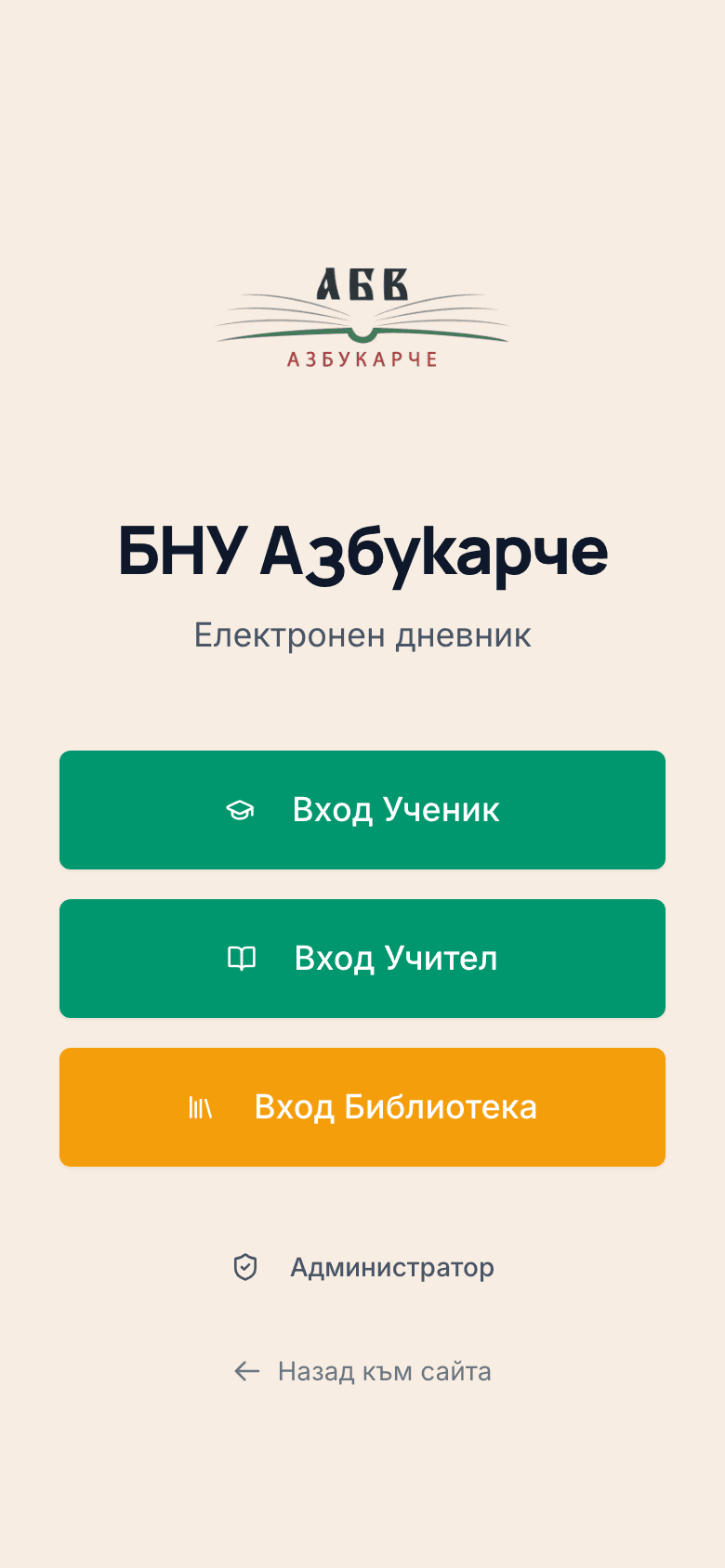
The role-selection gate — Student, Teacher, Library and Administrator each have their own entry point.
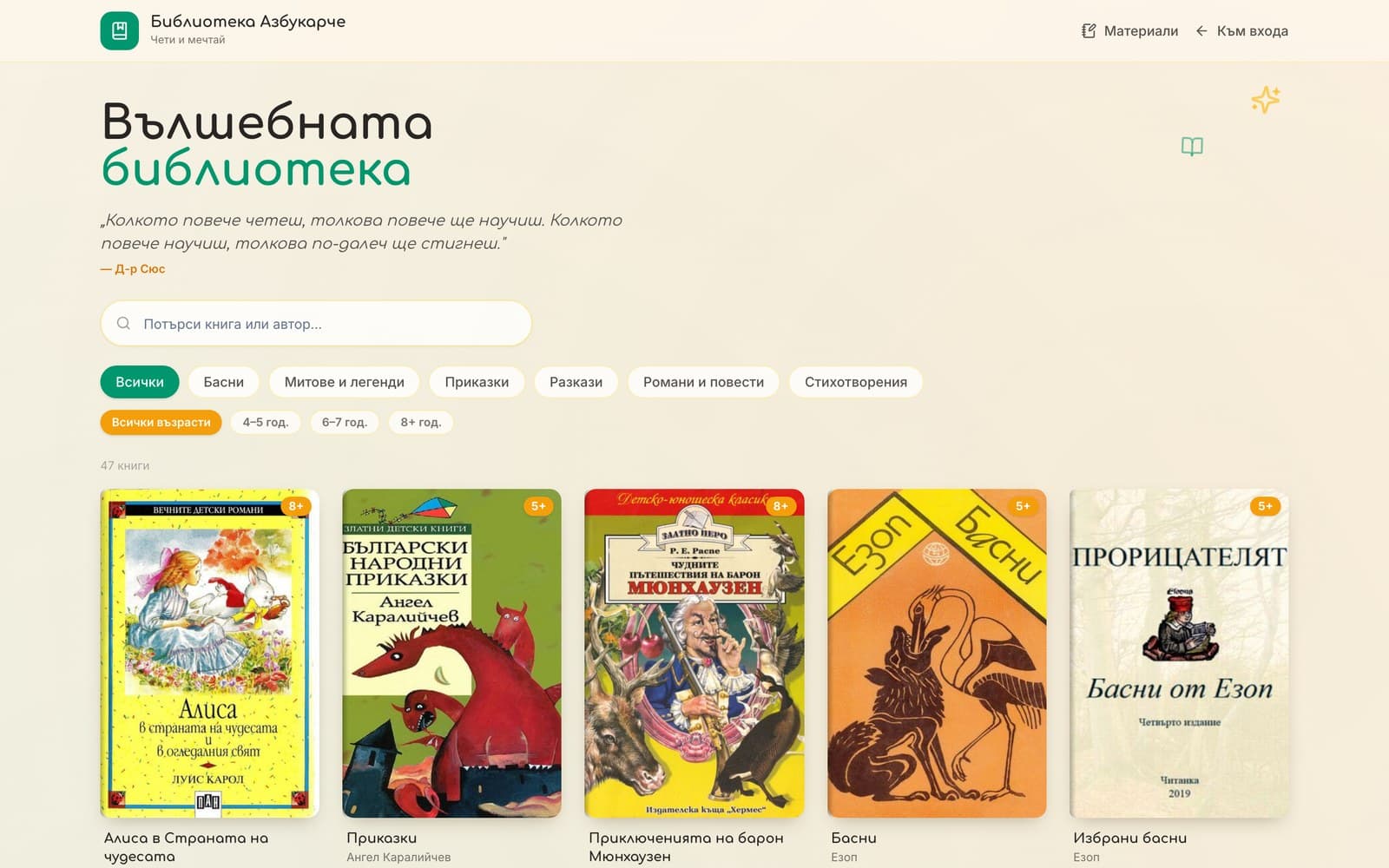
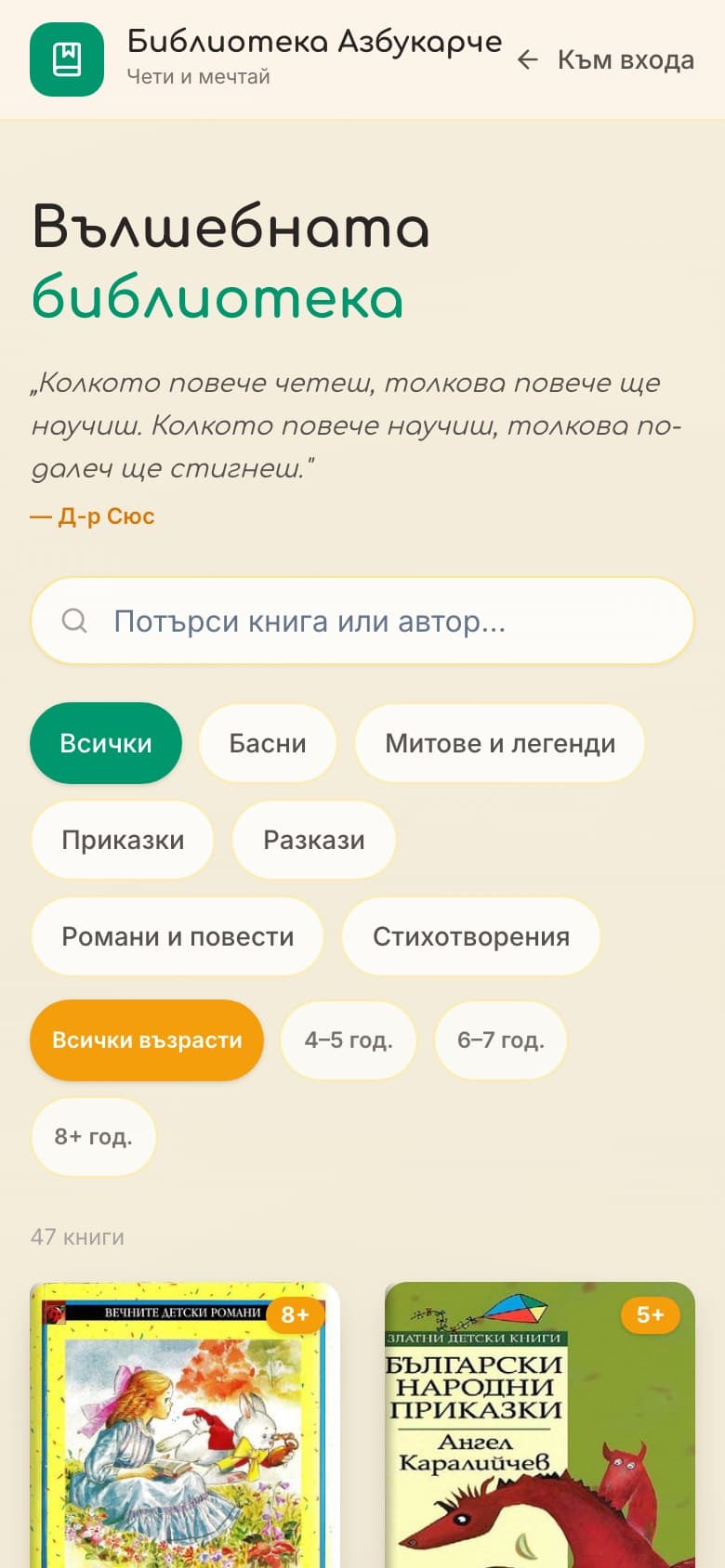
The public library catalogue — searchable, filterable by category and age, open to anyone.
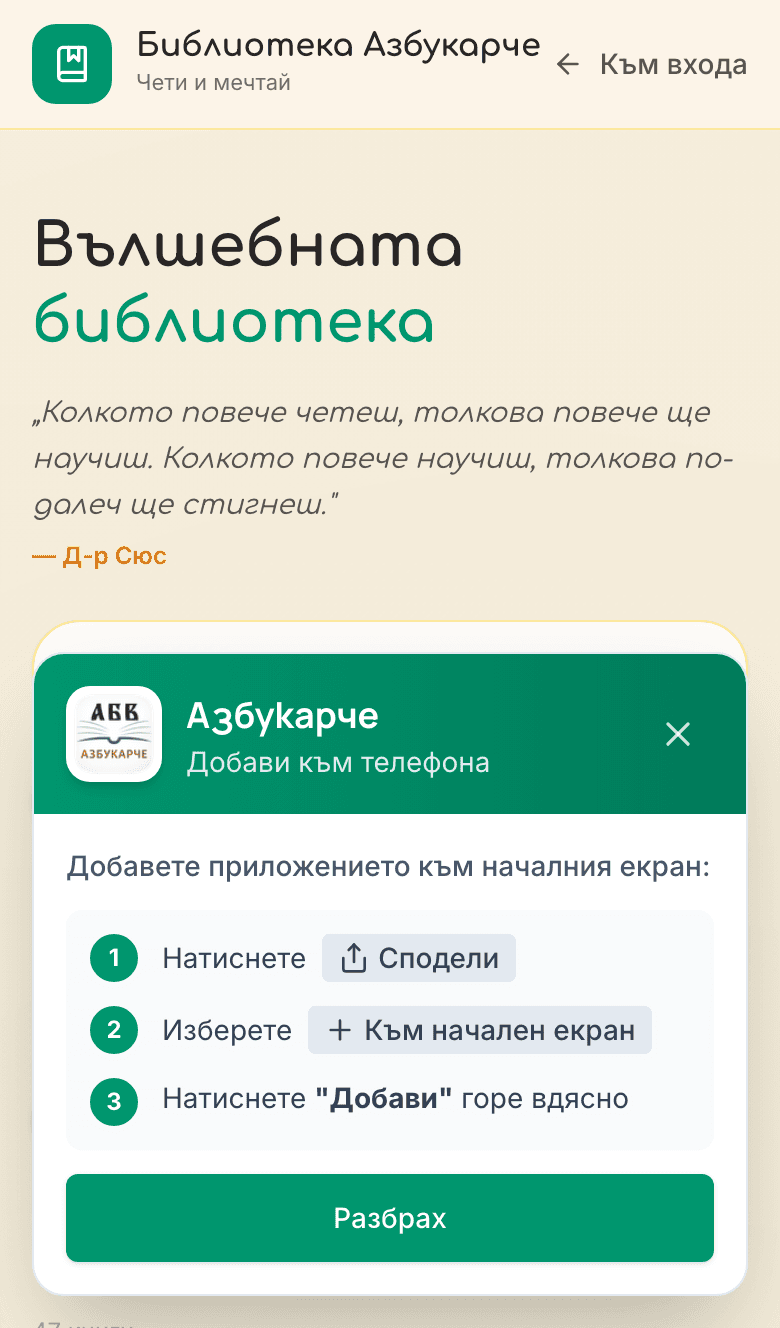
Installable as a Progressive Web App — real “Add to Home Screen” instructions, not a generic banner.
Technical approach
- Built as a React application.
- Installable as a Progressive Web App, confirmed via a working add-to-home-screen flow.
What this demonstrates
A real, working multi-role system for a real organisation — not a marketing site — including installable delivery. We haven’t inspected or claimed anything about what happens after login; the authenticated student, teacher and admin views aren’t shown here yet.
More work
Three more, all live.
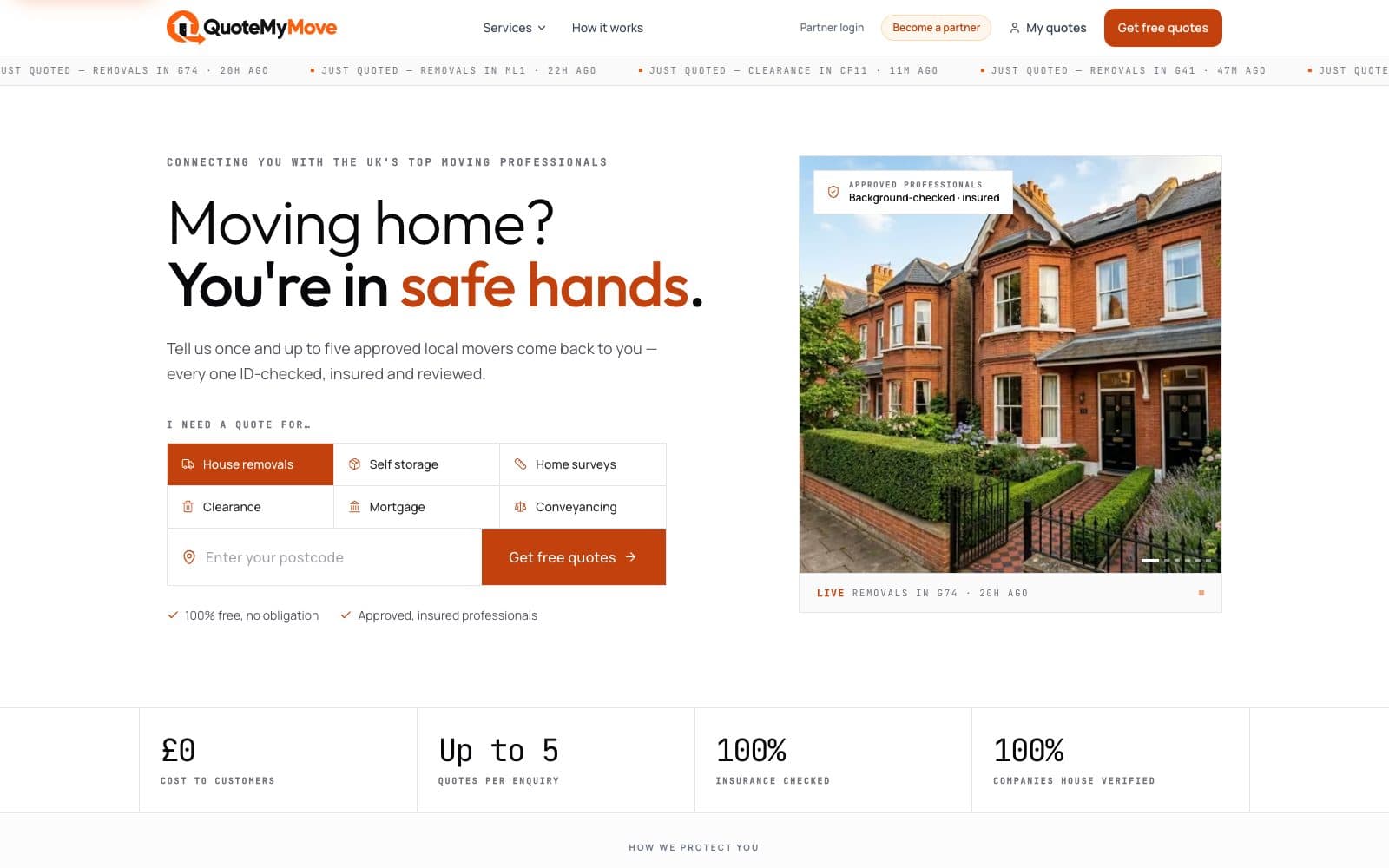
Two-Sided Marketplace Platform
QuoteMyMove
A UK-wide marketplace connecting people who are moving home with vetted professionals — six services, one enquiry, up to five quotes.
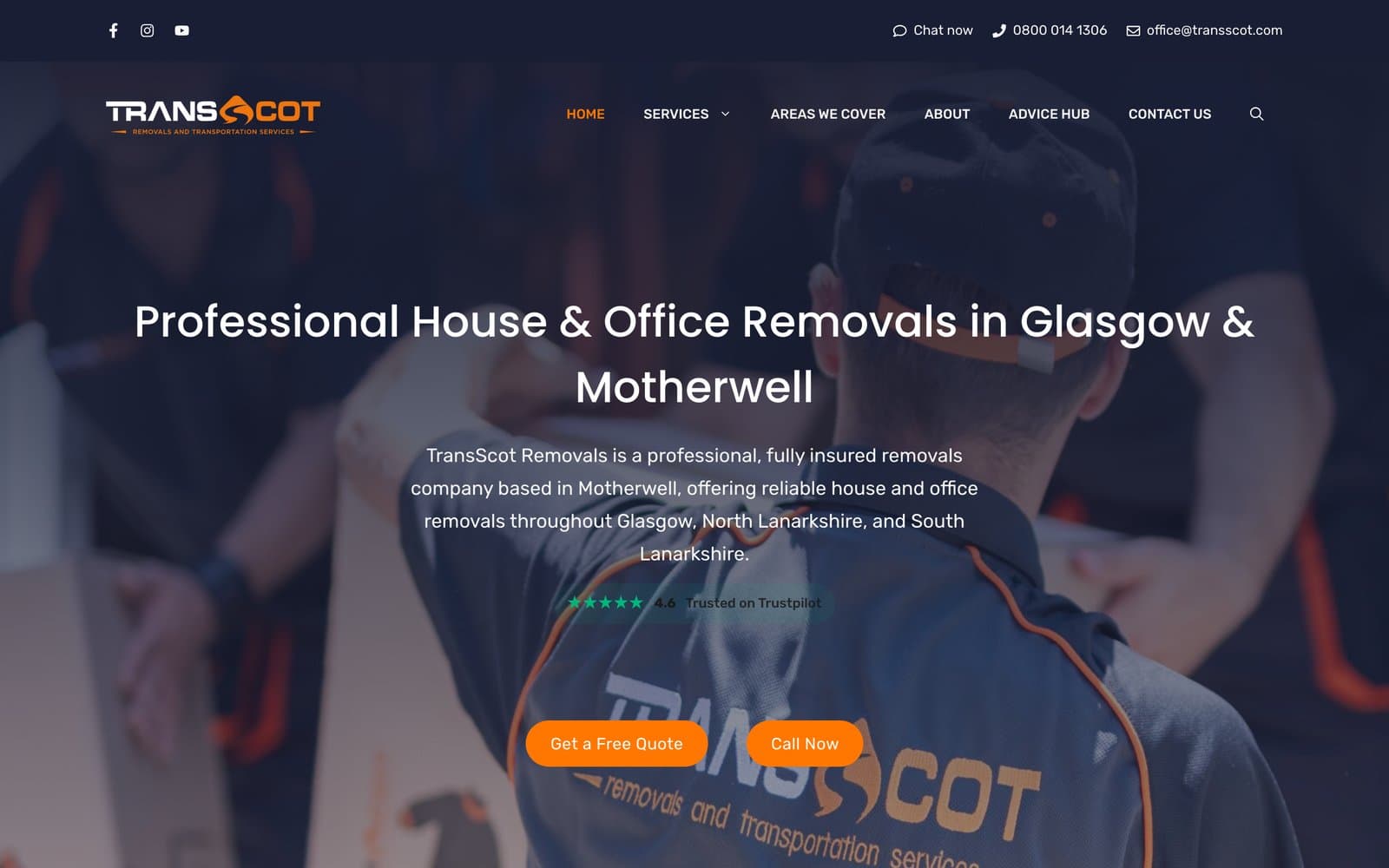
Website + Quotation & Video Survey Web App
TransScot Removals
A Glasgow and Lanarkshire removals company’s website, paired with a custom quoting and video-survey system.
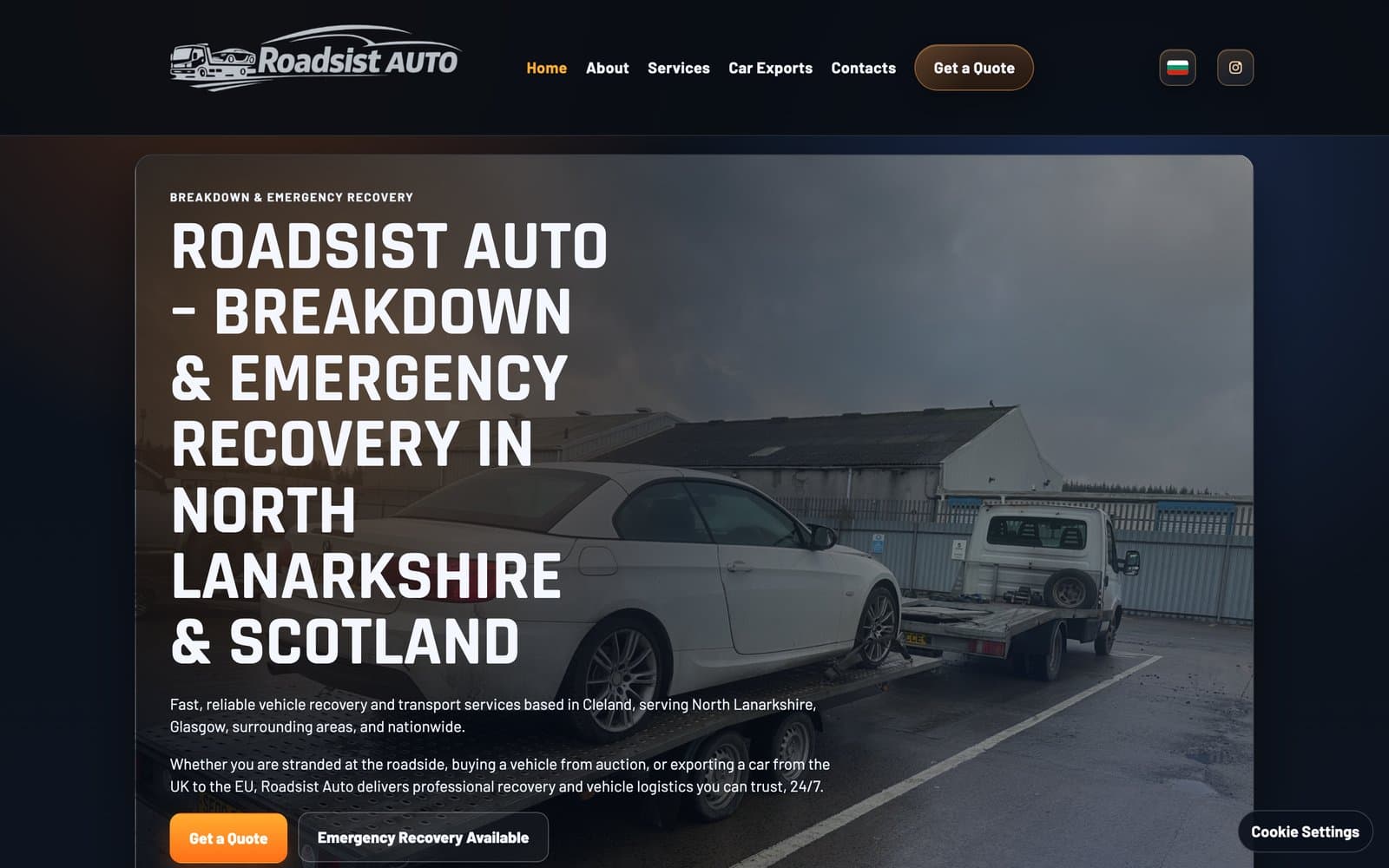
Website + Live Pricing Logic + Booking / Vehicle Workflow
Roadsist Auto
A North Lanarkshire recovery company’s website, with a live pricing engine at its centre.
Have a similar system in mind?
Tell us about your business and what you need — we’ll review what you’ve sent and come back with the most sensible next step.